TRACE: Object Motion Editing in Videos with First-Frame Trajectory Guidance

Anonymous Submission

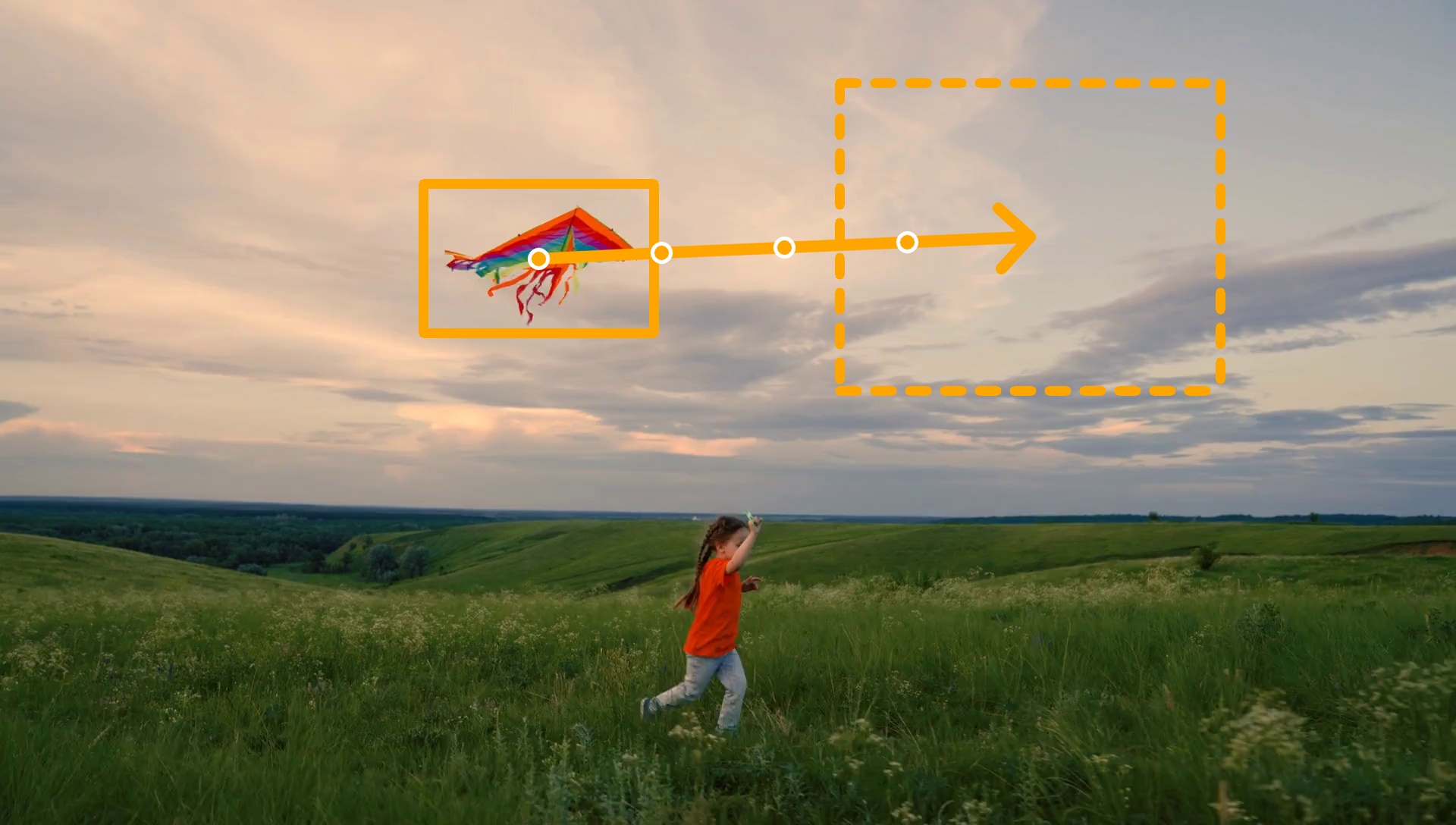
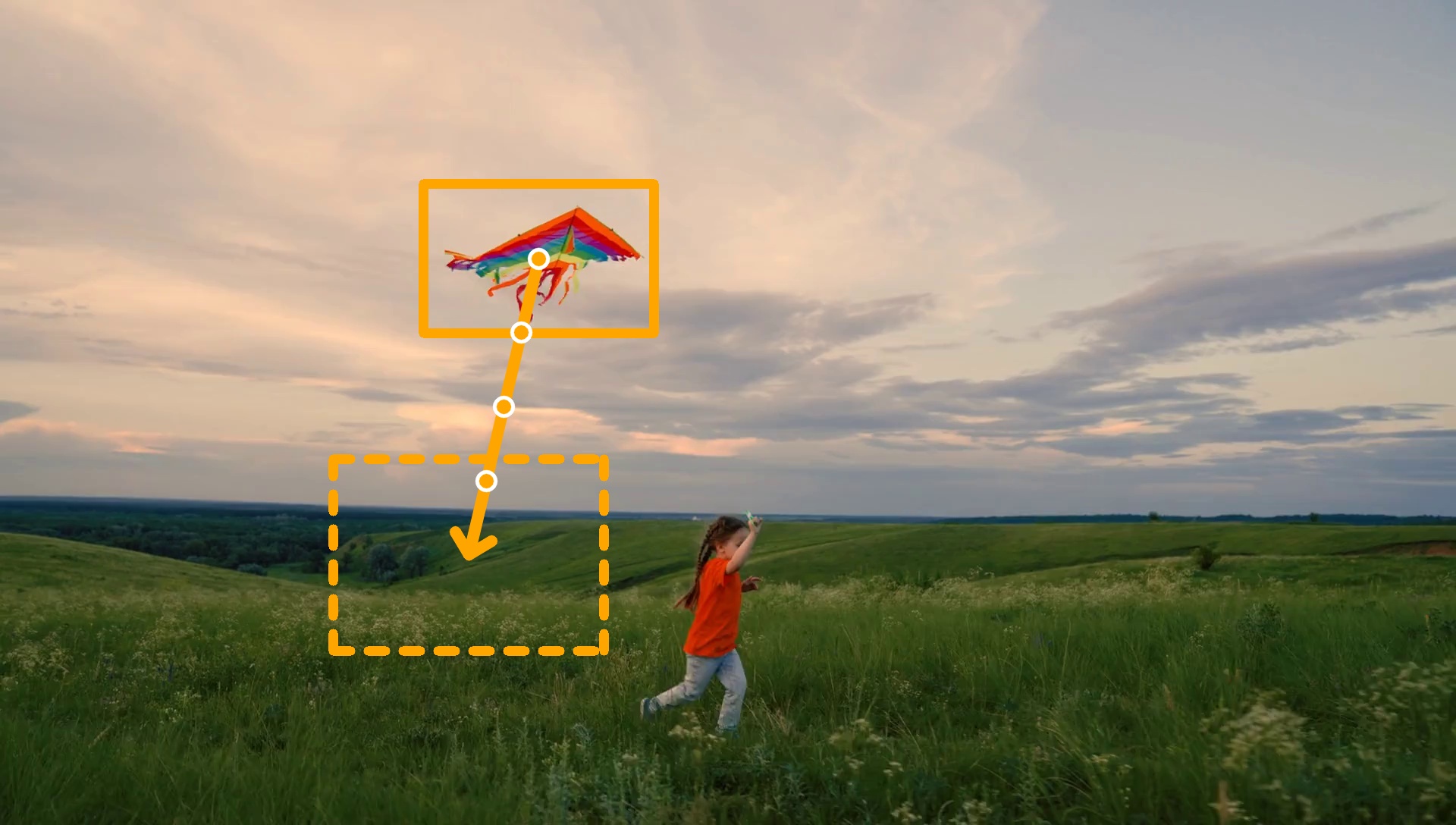
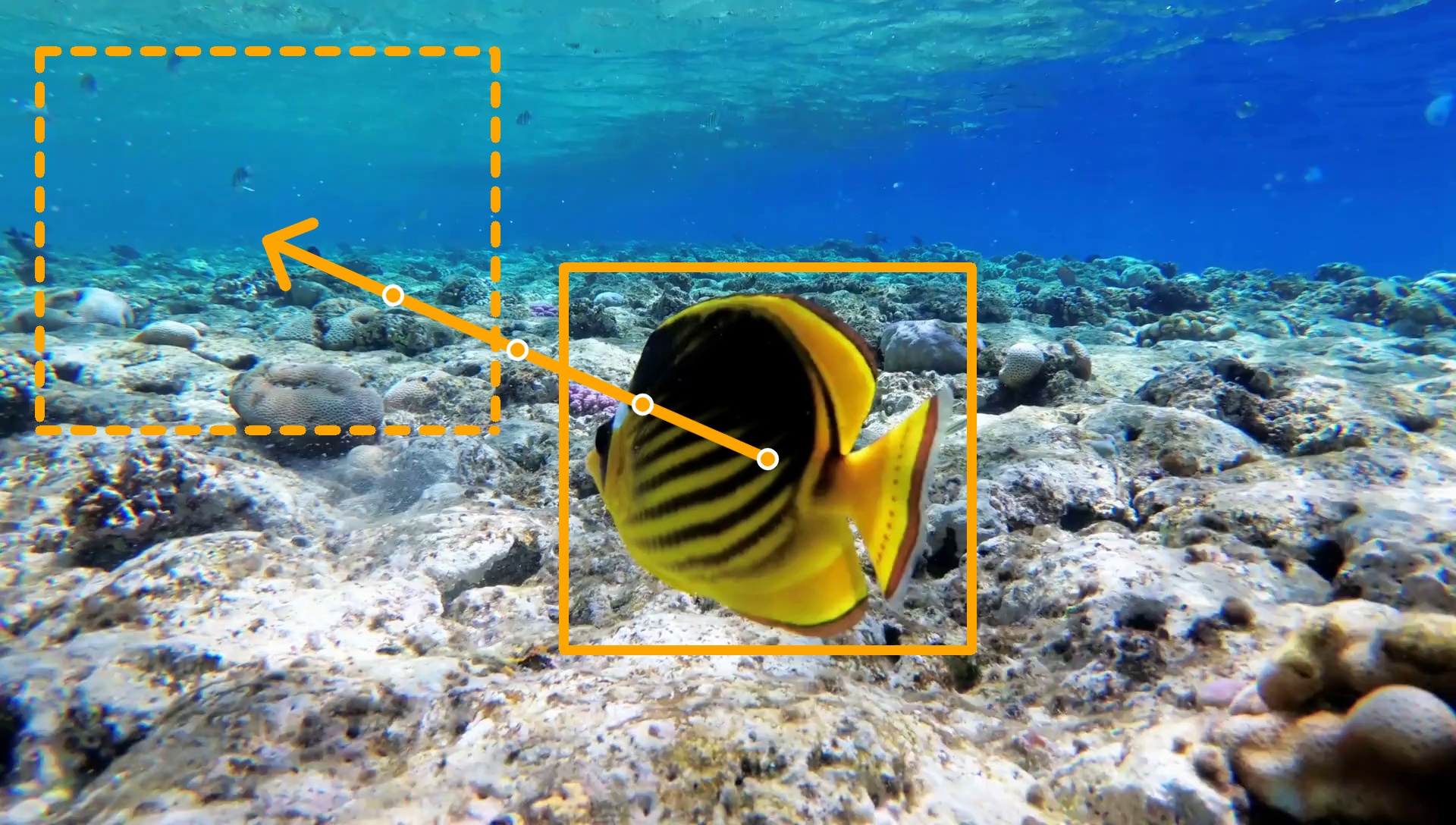
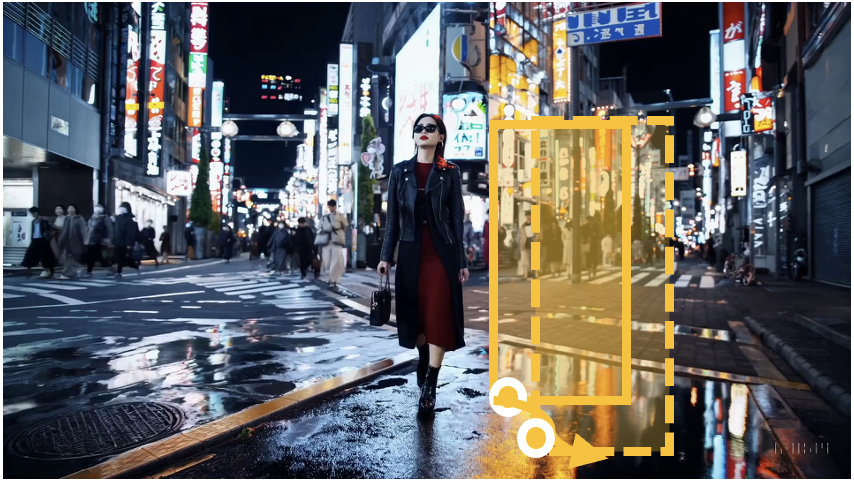
Our Results (First-Frame Path Design)

Loading prompts...
Input Video
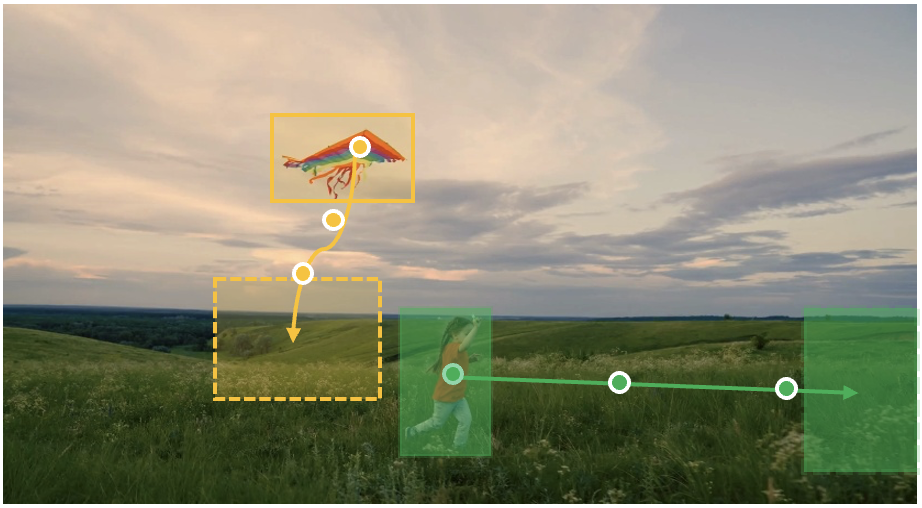
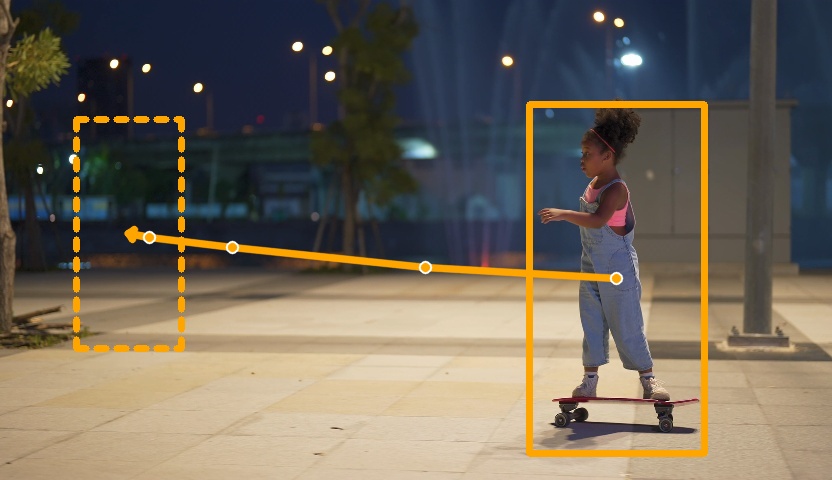
First-Frame Path
First Frame
Edited Video

Each example shows: input video, first frame with trajectory, and edited video.
Multiple Path Designs for Same Input

Input Video
Prompt
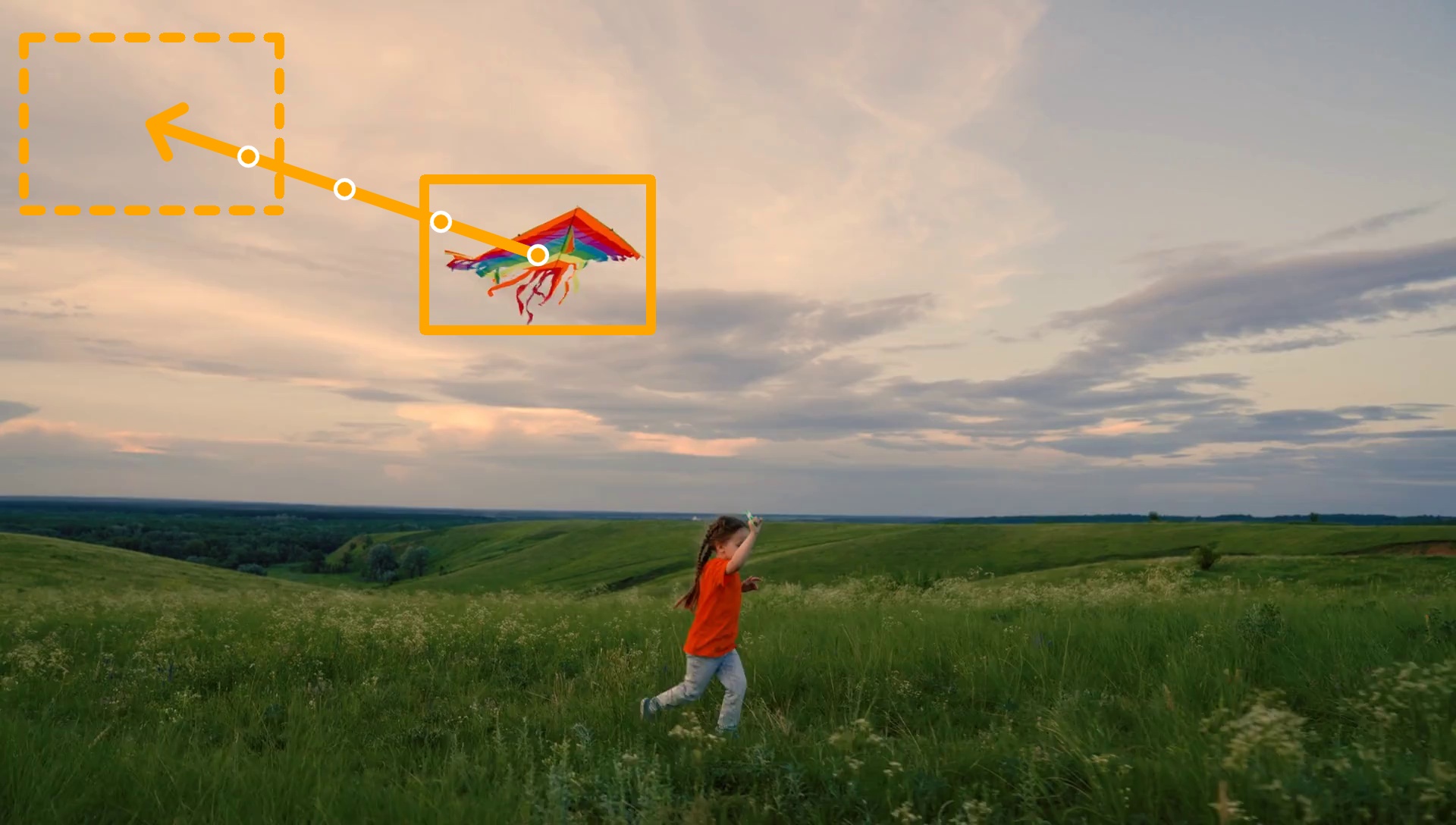
Box 1
Box 2
Box 3
First-Frame Path
Edited Video

Full Pipeline Comparison with Baselines

Input Video
First-Frame Path
First-Frame Path
Prompt
Magic Motion
Wan Move
Motion Canvas
PISCO
Hunyuan
VACE
GenCompositor
Trace (Ours)

The full pipeline editing is applied to the input video, incorporating both cross-view motion transformation and video resynthesis.
Applications

Object Insertion with Motion Control

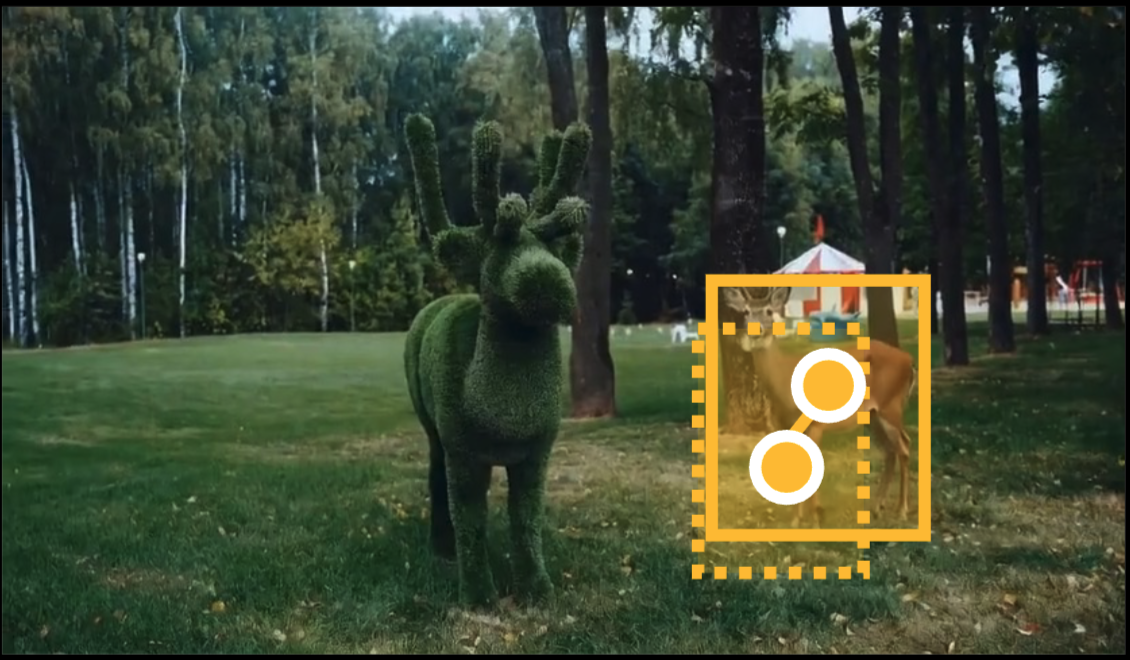
Adding a deer
Overlay reference
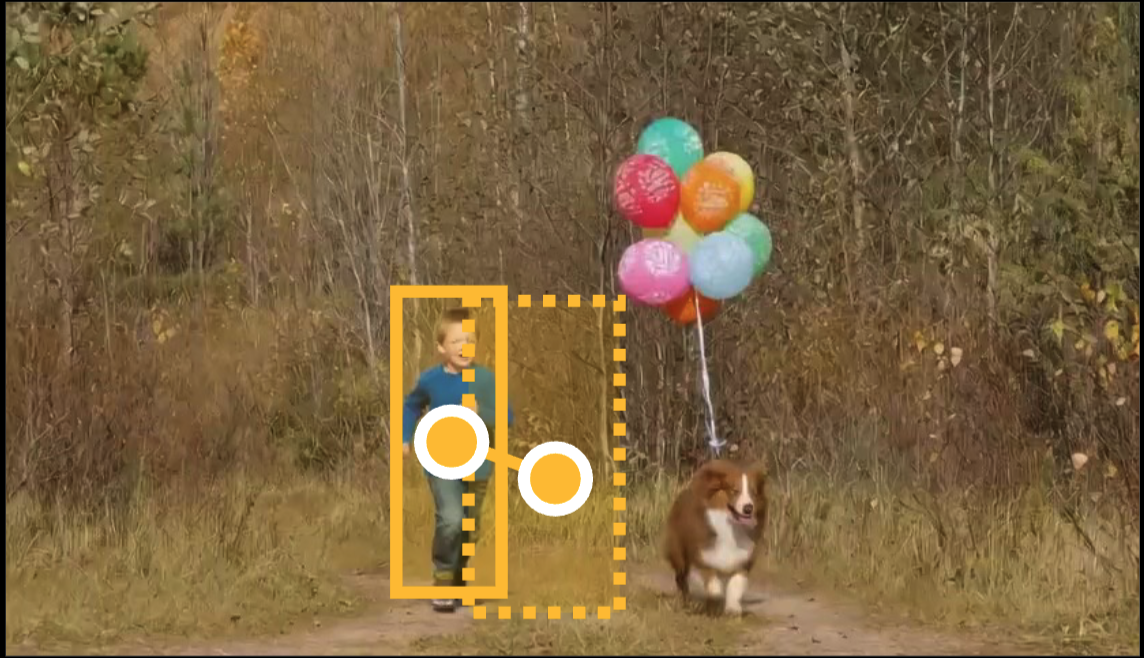
Adding a child
Overlay reference
Adding a man
Overlay reference
Input Video
Edited Video

Object Editing

Rainbow smoke
Rainbow turtle
Wearing VR headset
Input Video
Edited Video

Object Replacement

Child → Penguin
Buffalo → Tiger
Kite → Airplane
Input Video
Edited Video

Zero shot multi object editing

Input Video
First-Frame Path
Two objects frame
Edited Video

Even though our method is trained on single object editing, it can be applied to multi object editing with zero-shot manner.
Cross-View Motion Transformation - Baseline Comparison

Input Video
First-Frame Path
First-Frame Path
Interpolation
MegaSAM based warping
DepthAnything-v3 based warping
TRACE (Ours)

The red point is marked to highlight a reference point for easy to draw correspondance.

Video Resynthesis - Baseline Comparison

Input Video
Masked Video
Prompt
Magic Motion
Wan Move
Motion Canvas
PISCO
Hunyuan
VACE
GenCompositor
TRACE (Ours)

We compare solely against resynthesis baselines, conditioned on the object boxes from the input video.